
WhatsApp has announced that more than one billion users will be able to make video calls on iPhone, Android and Windows Phone devices “in the coming days.” And to work out all the kinks, WhatsApp has been beta testing this feature over the last few months. This is a highly anticipated feature because WhatsApp users have been requesting it for years.
How to make a WhatsApp video call
If you are now running the latest WhatsApp beta - or if the video calling feature is available to you after launch - it's pretty simply to start a video call with another WhatsApp user.
Here's how to make a video call within WhatsApp:
- Open WhatsApp (of course!)
- Go to the Contacts tab
- Find and tap the contact you want to initiate a WhatsApp video call with
- Tap on the phone icon towards the top of the screen
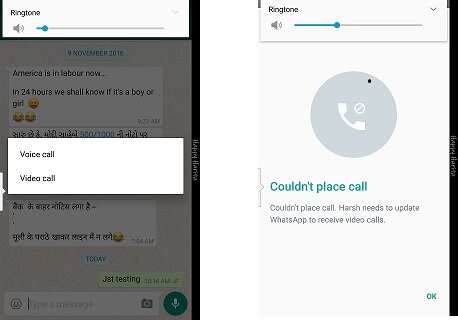
- From the popup choose Video call
One of the biggest advantages that video calling on WhatsApp has is that it is cross-platform as opposed to Apple FaceTime — which works on just iOS devices. Plus video calls made using WhatsApp are fully encrypted to prevent unauthorized access from snoopers. By adding the video calling feature, WhatsApp is now on par with other chatting apps like Facebook Messenger, Skype, Viber and Google Hangouts / Duo.
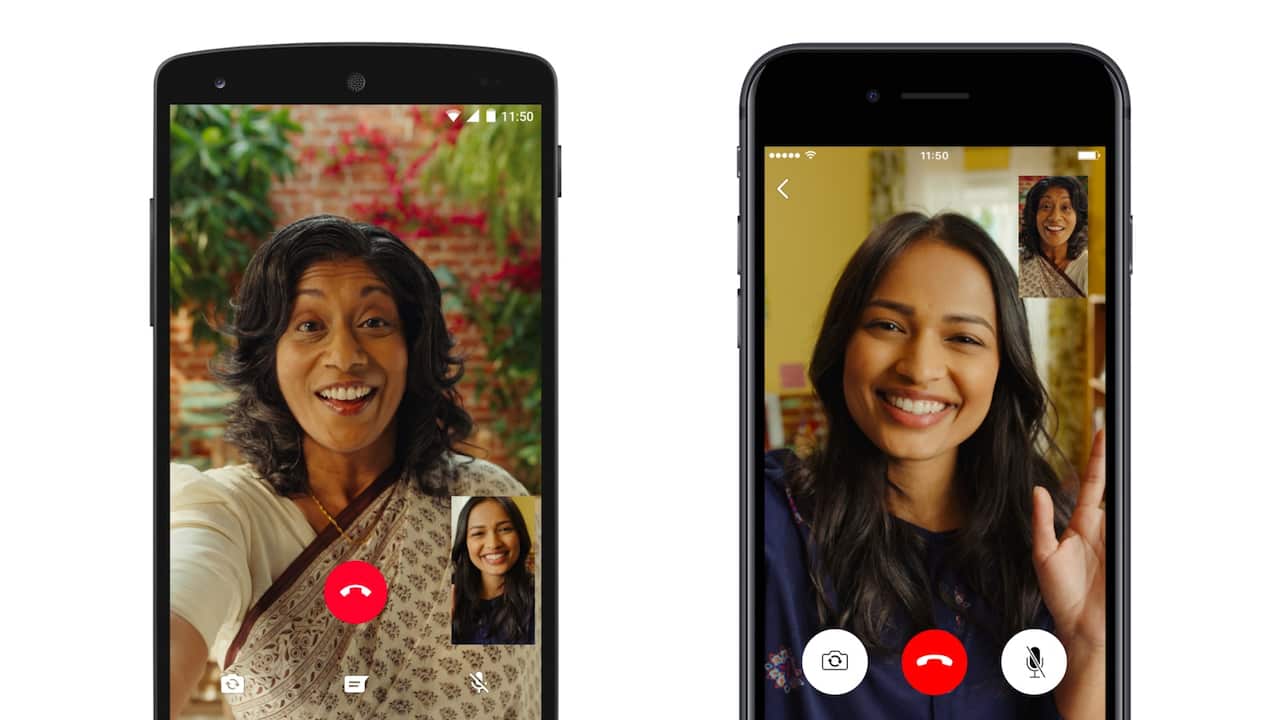
Note that for WhatsApp video calling to work, both parties should be running a WhatsApp build that supports the feature. WhatsApp may also prompt you for feedback once the video call is over.
WhatsApp in a blog post says,"We’re introducing this feature because we know that sometimes voice and text just aren’t enough. There’s no substitute for watching your grandchild take her first steps, or seeing your daughter’s face while she’s studying abroad. And we want to make these features available to everyone, not just those who can afford the most expensive new phones or live in countries with the best cellular networks."