2 min read
This article is more than 3 years old
Can't find a recipe?
Quick-fire answers
- Recipe search is now in our global navigation bar in the top right-hand corner
- The Cook Up recipes are best found via the search bar or series episode guides
- A proper print function has just landed
Hello, we hope you're enjoying our new-look website. It's got a clean and crisp look, larger images, and easy-to-watch videos that stream right from the recipe or article.
All of your favourite recipes are still here, but in the move, we've had to re-arrange some of the furniture. If you need a little guidance on how to find things we're here to help.
How do I find a recipe?
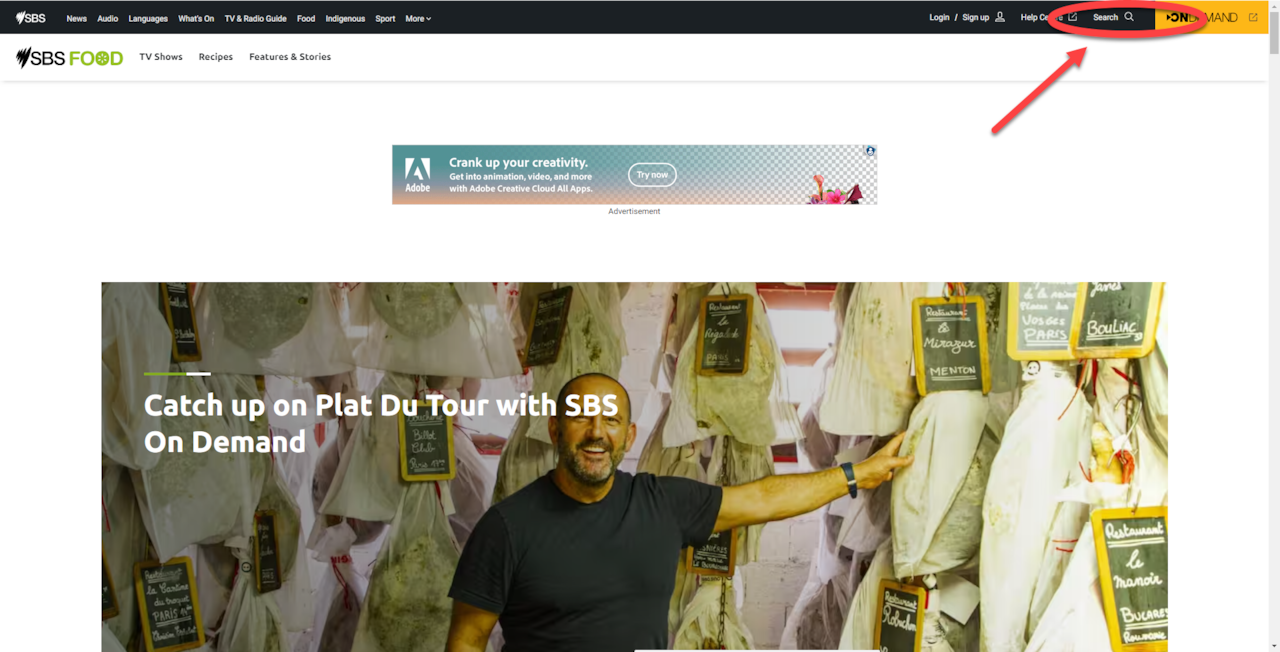
If you know what you're looking for, or just want to browse recipes for a specific dish, please use the global search bar up the top right of the page. This will bring up results based on the page you're currently browsing on. So, if you're already on sbs.com.au/food your search results will only appear from the Food website. If you click it and type in a search term with another page open like News, Audio or Sport it will bring up results from those sections.
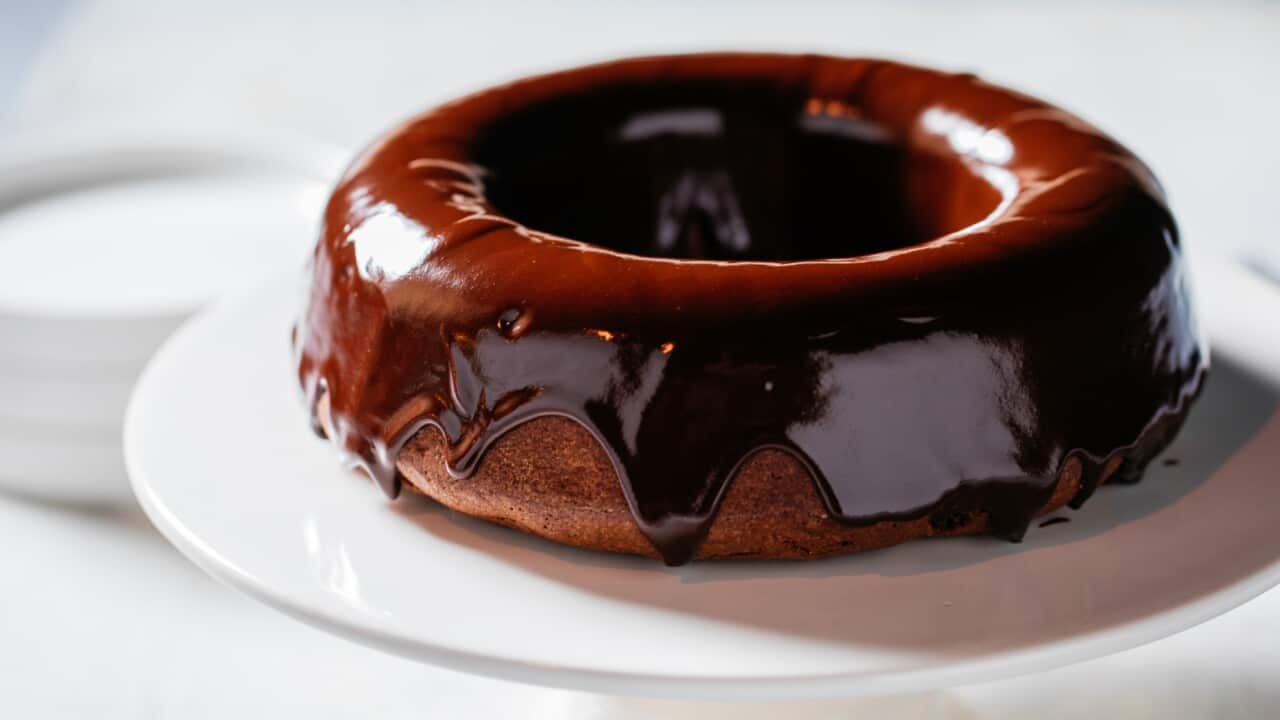
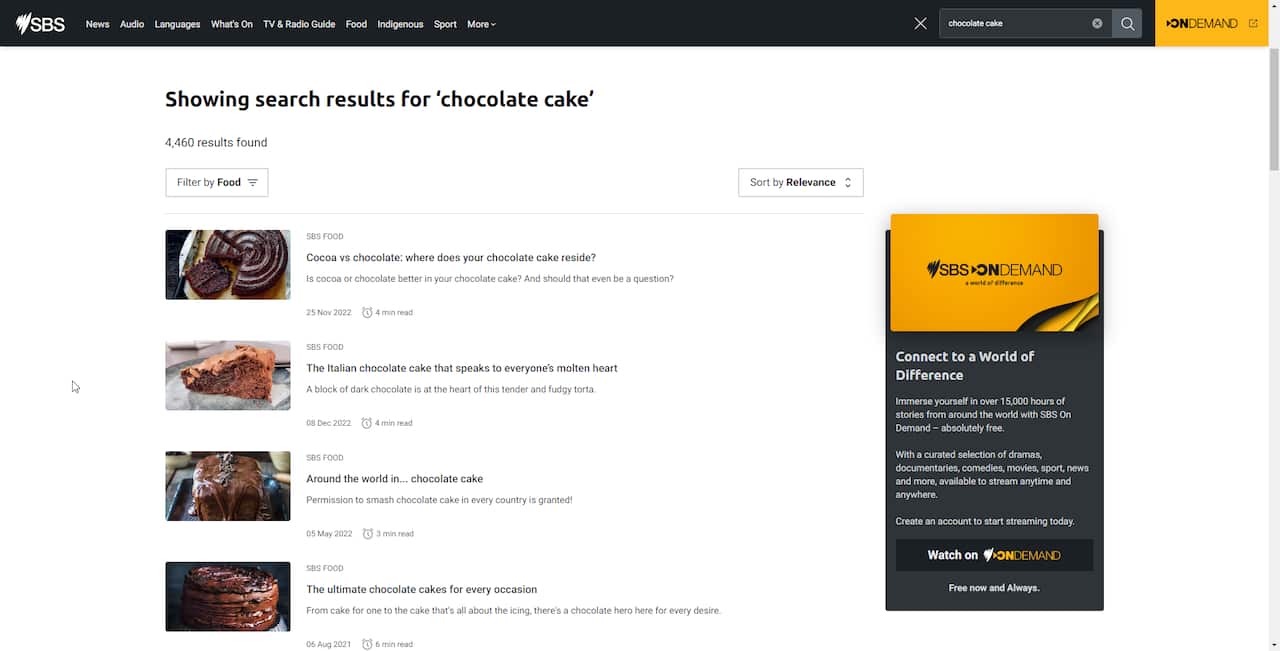
Say you want a recipe for chocolate cake, you'd type in:

Hit enter and you should see results like this:
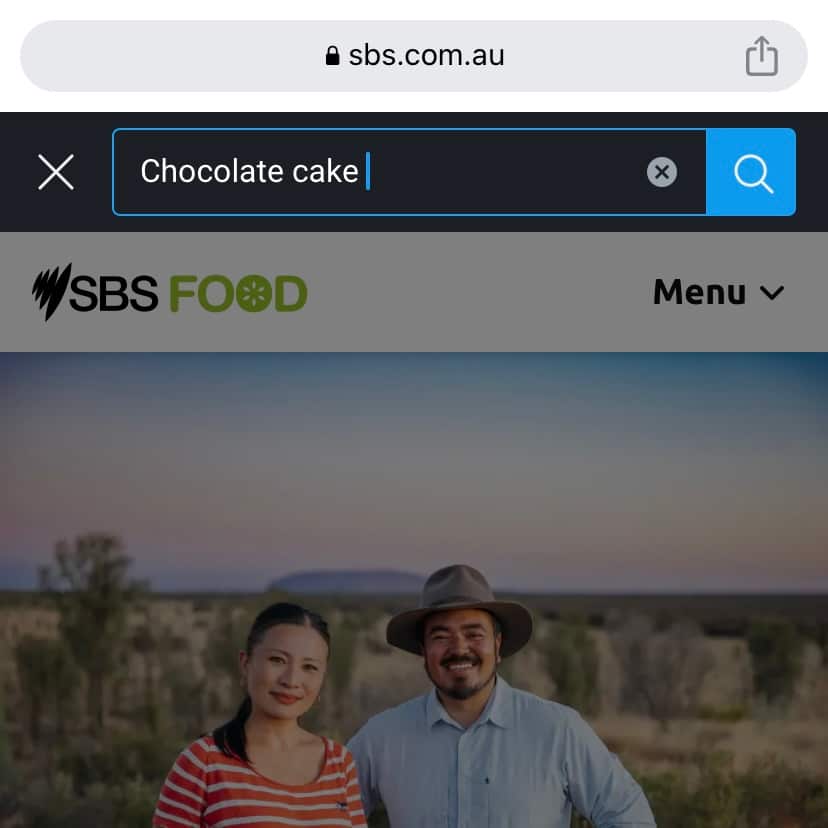
For mobile view, it should look like this:
How do I look for recipes from The Cook Up?
If you're searching for a specific recipe from The Cook Up, try typing the title in the search bar using the instructions above. If you don't know the name but want to browse by season, try browsing via our episode guides.
On the program page here, scroll down until you see this:
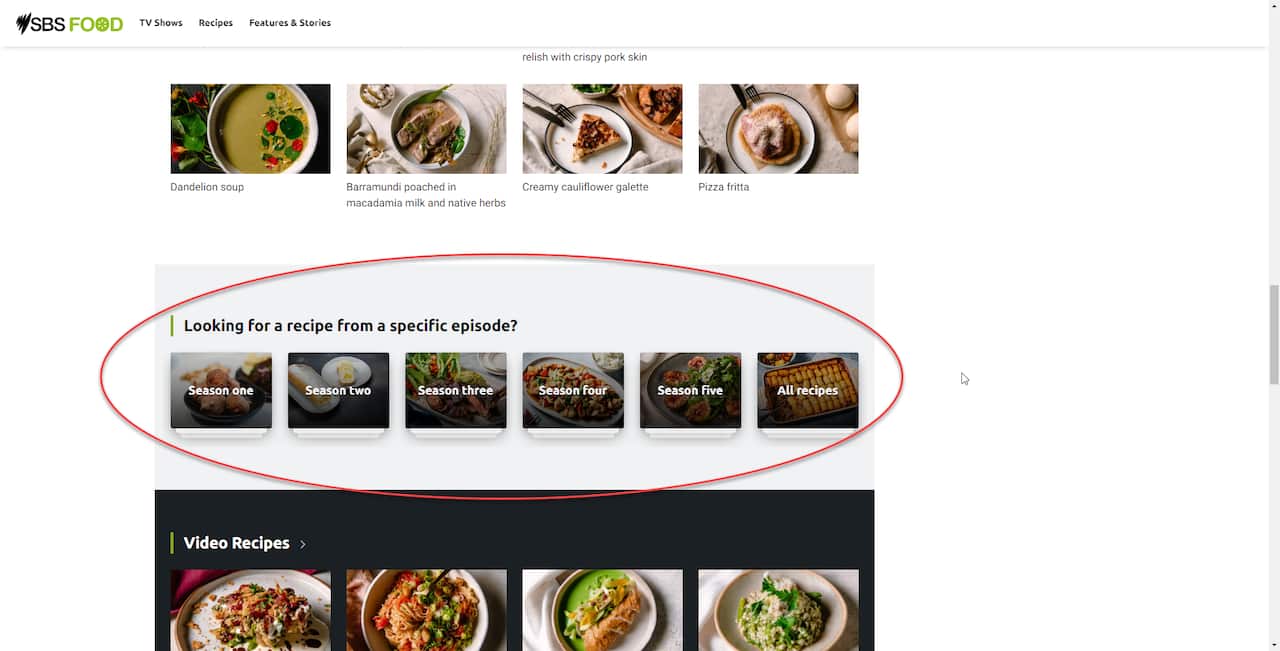
Here they will be sorted by season, with a description of each episode they appeared in.
How do I print a recipe?
On each recipe page, you can find the new print button to the left of the lead image or video.
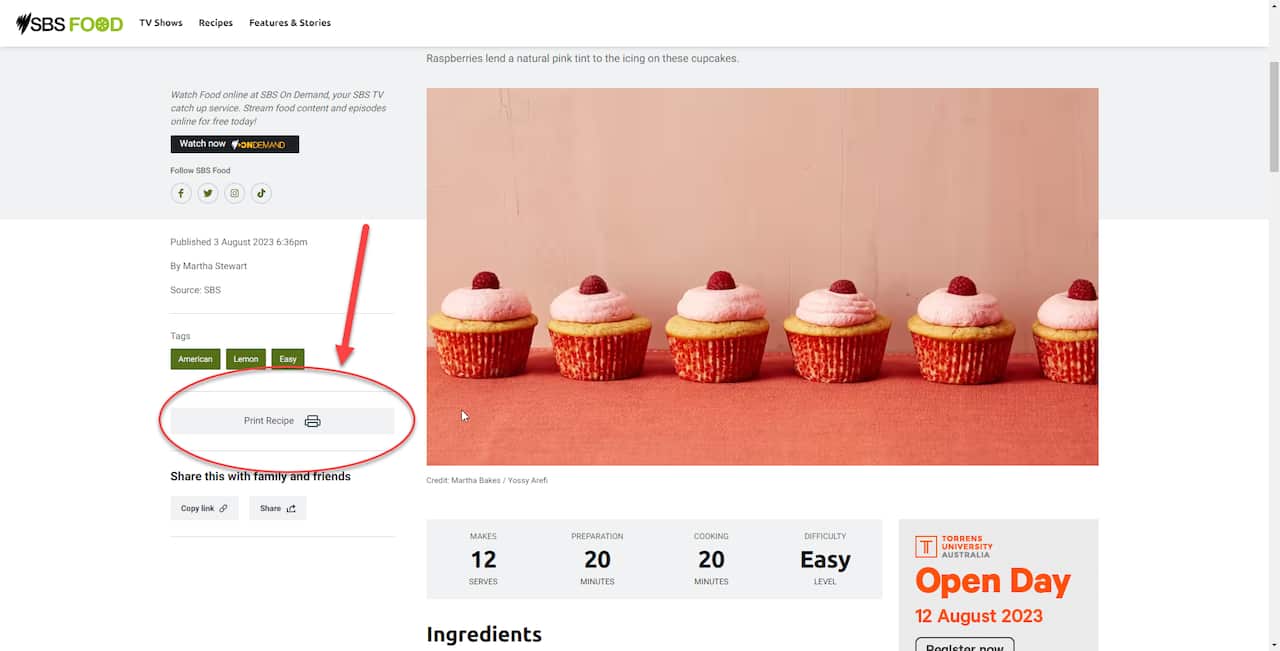
Clicking this button will open up a print preview where you can select page and colour options before sending the job to your printer.
A new feature: Cook Mode
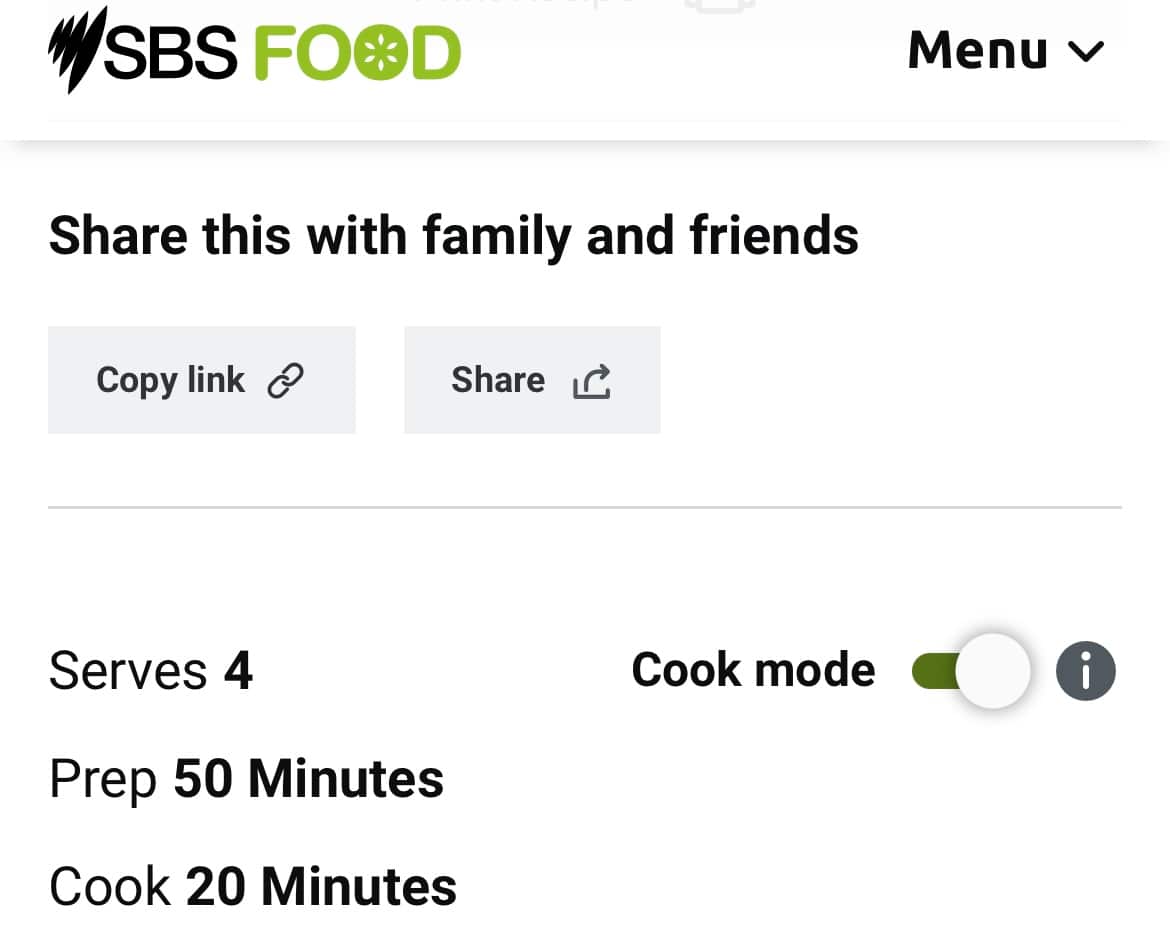
If you're cooking directly from your mobile or tablet device then make sure to select Cook mode to prevent your screen from going dark while cooking. Every little bit helps when you're trying to cook up a storm!