

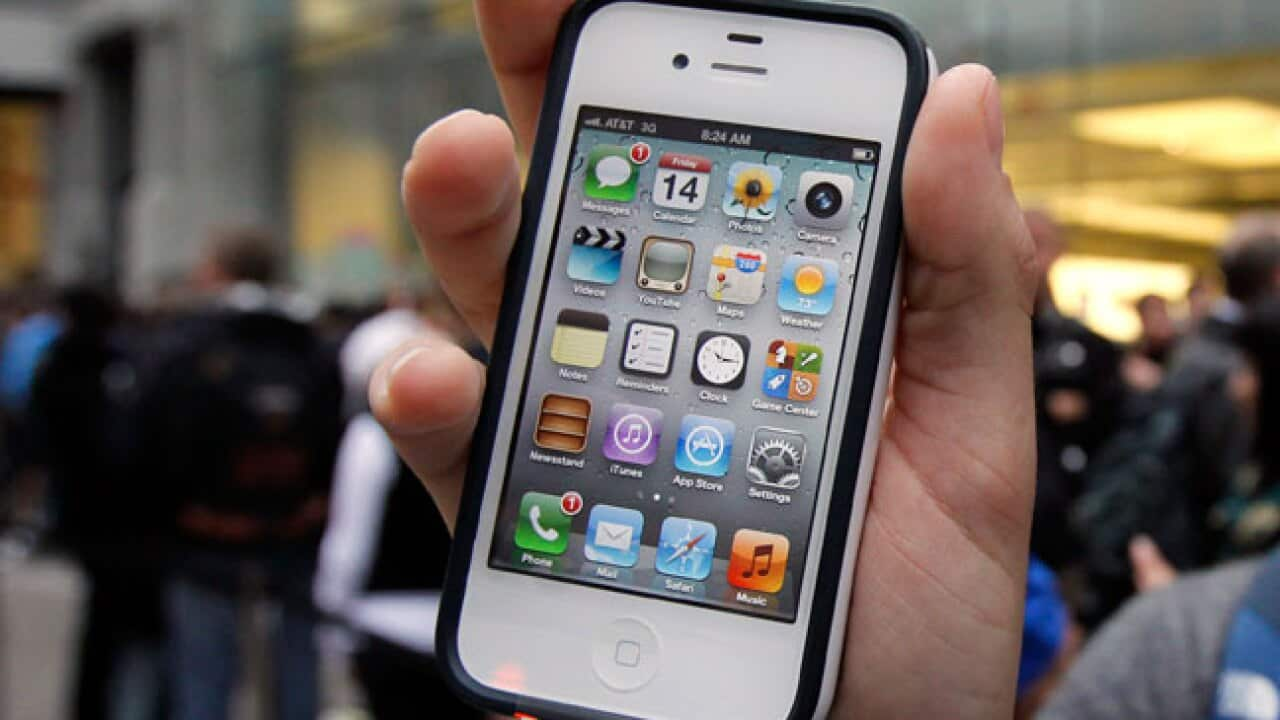
Many mobile phone users have experienced a "bill shock" when they return from an overseas holiday, as they have been unwittingly hit with high roaming charges.
To help protect Australians from facing excessive charges, the Australian Communications Consumer Action Network (ACCAN) has recommended some simple key steps:
• Contact your service provider to check roaming charges and to discuss your options. Prices to receive and make calls, send SMS and MMS (picture messages) and access email and the web will differ according the country you are visiting.
• Switch off the “Data Roaming” setting usually found under the Network menu, to avoid expensive roaming charges when using email, MMS, web browsing and other data services.
• Switch your phone to manual mode to stop emails from automatically downloading. For iPhone this is "fetch" mode
News that makes sense
Your trusted source for staying up-to-date with the world around you. Get free daily news updates and analysis, straight to your inbox.
• Use wireless hotspots where available in the country you are visiting. Often libraries and tourism offices offer free wifi along with some cafes and fast-food outlets.
• Check for any discounted roaming rates available from your service provider.
• Use text messages only to contact families and friends. Let them know beforehand that receiving calls is costly.
• Buy a local pre-paid SIM card in the country you are visiting to make phone calls. Be sure to check with your provider to see if they can unlock your phone if it is "SIM-locked".
• Make international calls with cheap or free online applications like Skype from a hotel or internet café via wifi.
• If you want to use international roaming, speak directly to your provider before you leave.
(This is an edited extract from The Australian Communications Consumer Action Network website)