In Brief
- Australia is planning to roll out a new national emergency warning system, AusAlert.
- The system was tested on Monday, with compatible devices receiving an alert.
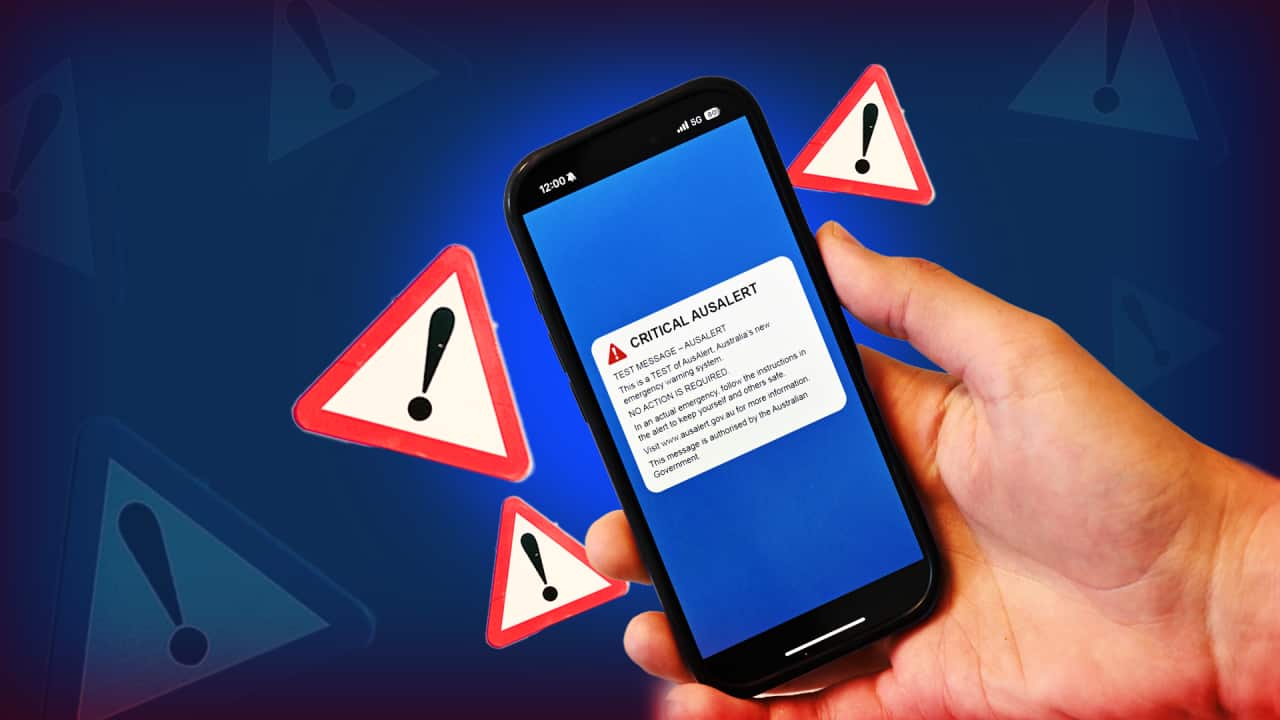
With millions of Australians receiving a loud siren and text message simultaneously across the country for the national AusAlert test, many had prepared their phones ahead of the warning.
AusAlert is a new national emergency warning system being rolled out by the federal government to deliver faster, more reliable alerts during life-threatening events such as bushfires, floods and cyclones.
Australians experienced the system for the first time during a nationwide test on Monday afternoon, and were told to be aware of the 10-second siren.
For many, it sounded at 2pm AEST, 1.30pm ACST and 12pm AWST, with the alert coming out of mobile phones, smartwatches, and tablets.
It's cell-based technology, so compatible devices connected to a tower sounded the alert.
News that makes sense
Your trusted source for staying up-to-date with the world around you. Get free daily news updates and analysis, straight to your inbox.
For those that didn't get the message, here's why and what you can do.
What is the point of AusAlert?
AusAlert will be officially rolled out in October as a way for emergency agencies to warn people about life-threatening emergencies.
The alert is designed to ensure warnings are not missed, so it will override "do not disturb" or silent mode settings.
People who didn't want to receive the notification were advised in advance to turn off the device or put it in aeroplane mode.
Authorities also advised people who rely on concealed mobile phones for their safety to switch them off before Monday's test.
What do you do if you didn't get it?
If your device was switched on and not in aeroplane mode and it still didn't come through, there may be a few reasons why.
It could be because it wasn't connected to a tower in those 10 seconds, it's not a compatible device or an older phone, or hasn't had system updates.
Authorities have a fairly simple reply: don't panic, it's just a test — but any glitches could give them some tips on how to manage an actual national emergency.
If you didn't get the warning test, you don't have to do anything, or alert any authorities. But if you want to give feedback on how your device responded to the activation, there will be an online survey you can fill out to explain what happened.
"We've obviously got a website, AusAlert, so people can go and provide direct feedback to that if they don't receive the alert or they do and they want to provide some advice about how their phone worked," Emergency Management Minister Kirsty McBain said.
The National Emergency Management Agency, which is looking after the test, said people may experience the test differently depending on where they're located, what kind of device they have or their settings.
"Some people may receive the alert immediately, some may receive it later, and some may not receive it at all," it said.
"The purpose of testing is to understand these real-world differences, confirm the system is working as intended, and improve public information before AusAlert is used in real emergencies."
For the latest from SBS News, download our app and subscribe to our newsletter.