
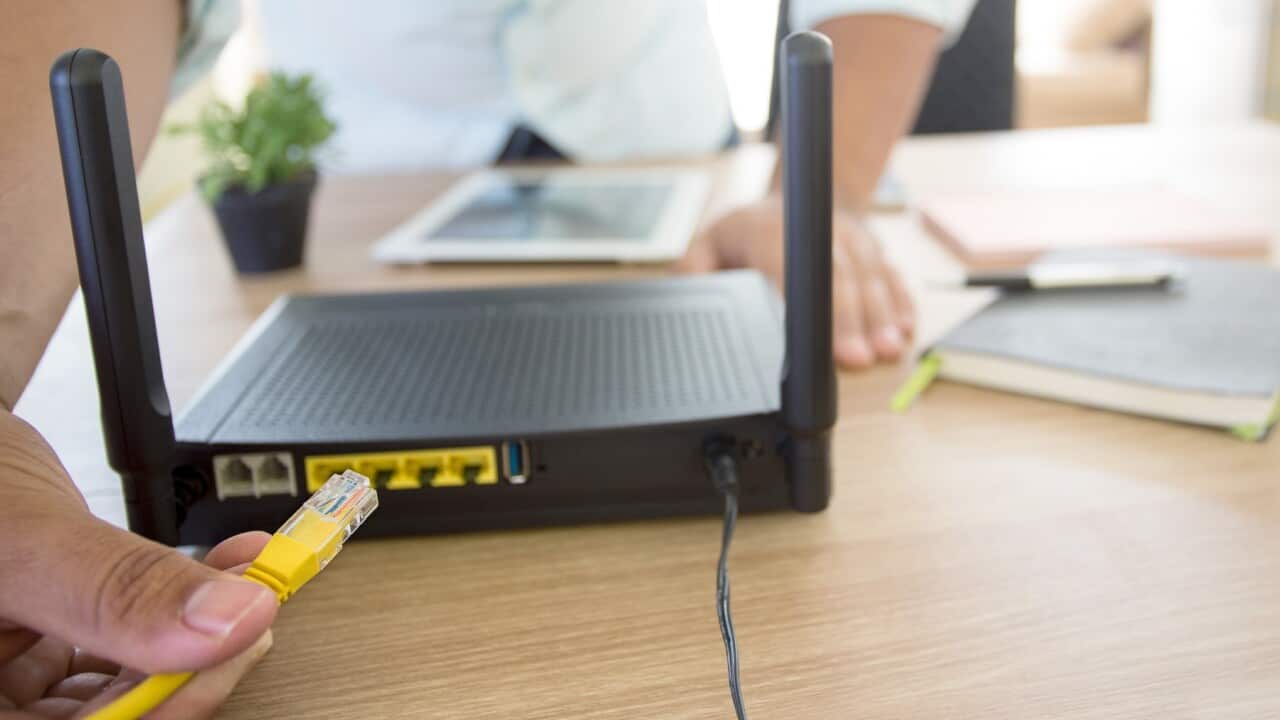

There is an increased internet usage for work, education, and entertainment due to coronavirus pandemic stay at home.
Highlights
- Protect the computer from viruses and malware.
- Switch off unused internet-connected devices.
- Separate your tasks into bandwidth-heavy and bandwidth-light ones.
A large number of people in Australia are accessing the Internet at the same time.
This has reduced available bandwidth for users and has taken a toll on download speeds, says Sydney-based IT professional Mr Bachan Sharma.
IT Professional Mr Bachan Sharma says, "sometimes a few simple steps like rebooting, repositioning etc can make a difference because often network speed issues have more to do with their router than their internet plan."
"It is also important to pay attention to unused devices as they continue to use data even if they are not in use," he says.
Here is how you can boost your home internet speed:
Check your speed
Mr Sharma advises running a few internet speed tests to check if the speed is as promised in the plan by the telecom provider.
There are speed testing websites that provide the most accurate analysis of available upload and download bandwidth.
Check that the wireless router is not blocked by the other device
As wireless routers send signals in all the directions, it is important to ensure these signals are not blocked by any other object.
Mr Sharma said people often tend to keep modem behind the TV or in the corner, hidden from the view.
"The speed issues could be related to distance or obstacles," Mr Sharma said.
He suggests one way to boost network speed is to relocate your router.
“Try moving router to a more open position and remove extra interference, the results would be better,” he says.
Reboot your router
Mr Sharma says rebooting can help as it helps clear unwanted background processes and cached memory.
Change your wireless router’s channel
Wireless routers and/or modems broadcast signals on a specific wavelength or channel. Often, devices pick multiple wifi signals from the neighbourhood.
Although devices are built to avoid interference, it may help to check the router settings.
Go Cable
Ethernet connection i.e. cable connection is always faster, so if possible connect to the cable.
"Make sure the home computer is connected via a wired Ethernet cord for performance reasons. This is because wired is a closed system where variables can be controlled,” said Mr Sharma.
Update your web browser
Certain web browsers can make a difference in both upload and download speeds.
"Try different browsers and find the right one to work with," he says.
Buy a wifi repeater, range extender or a power line adapter
Mr Sharma adds at times it is difficult to find a central location for the modem in the house. For example, the house may be a double-storey.
"In that case, it is beneficial to purchase additional booster or range extender. These additional devices are easy to set up which can be plugged directly to the power socket," Mr Sharma suggests.
Mr Sharma says these few simple checks can optimise the results if upgrading to a faster speed tier is out of budget.
Follow SBS Hindi’s special coverage of COVID-19 outbreak
People in Australia must stay at least 1.5 metres away from others. Check your state’s restrictions on gathering limits.
Testing for coronavirus is now widely available across Australia. If you are experiencing cold or flu symptoms, arrange a test by calling your doctor or contact the Coronavirus Health Information Hotline on 1800 020 080.
The federal government's coronavirus tracing app COVIDSafe is available for download from your phone's app store.
SBS is committed to informing Australia’s diverse communities about the latest COVID-19 developments. News and information is available in 63 languages at sbs.com.au/coronavirus
Tune into SBS Hindi at 5 pm every day and follow us on Facebook and Twitter